
Setup Accessories
Control the desk.
Clean the setup.
Refine the space around your gaming hardware with desk accessories designed around control, organization and a more intentional battlestation. From surface space and cable routing to lighting and hardware placement, small changes can reshape the entire setup.
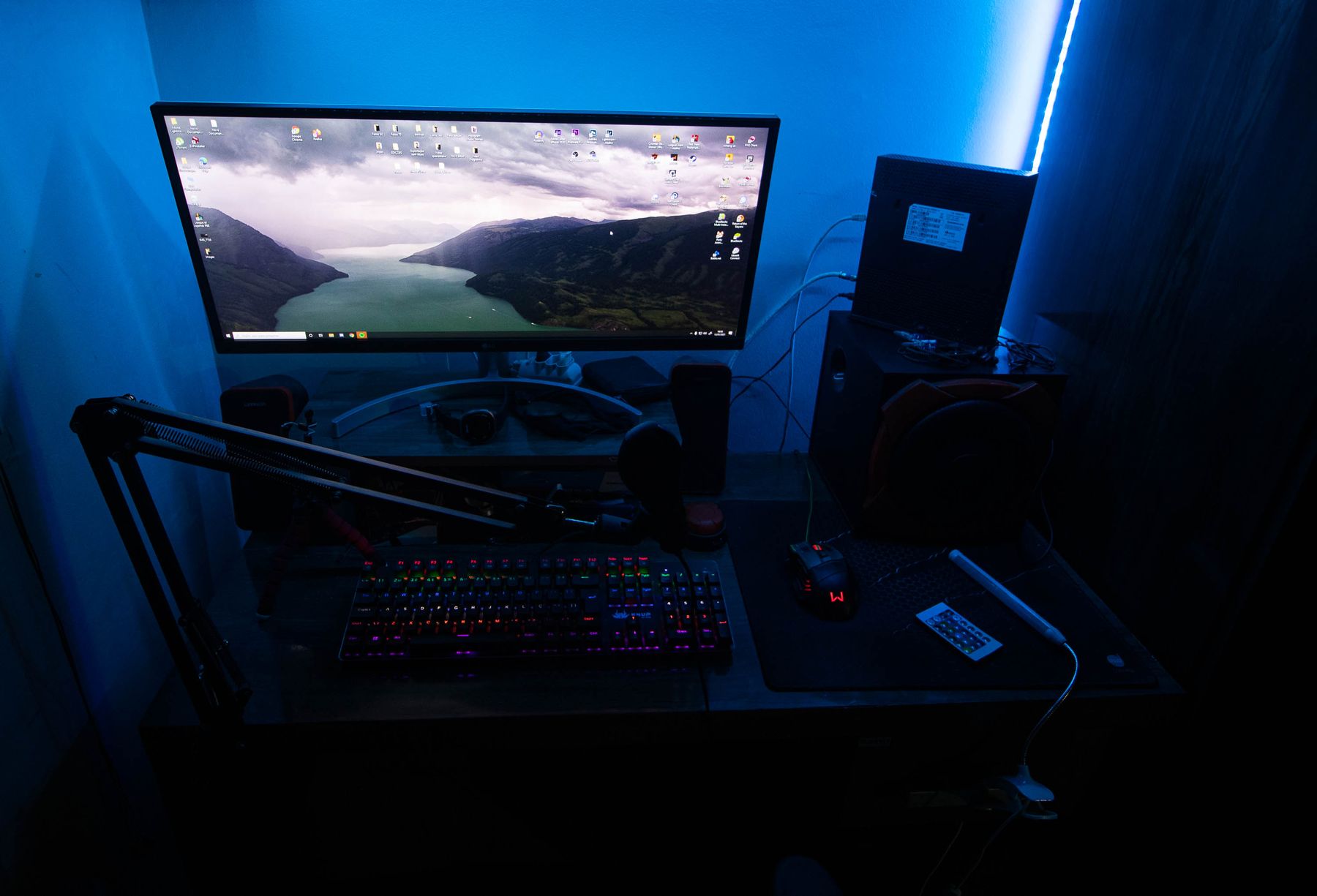
The details around the hardware matter.
A gaming setup is more than the main peripherals. The surrounding accessories determine how cleanly the desk is organized, how comfortably controls are reached and how much space remains available during play.
Gaming Mouse Pads
Define a clear movement area for mouse and keyboard placement while giving the desktop a more unified visual foundation.
Cable Management
Route charging, power and peripheral cables away from the primary control area to keep the station visually calmer and easier to work around.
RGB & Desk Lighting
Add controlled accent light around monitors, walls or desktop surfaces without letting the lighting overwhelm the hardware itself.
Desk Accessories & Stands
Create dedicated positions for headsets, controllers and frequently used gear so the desk stays organized without pushing important controls away.
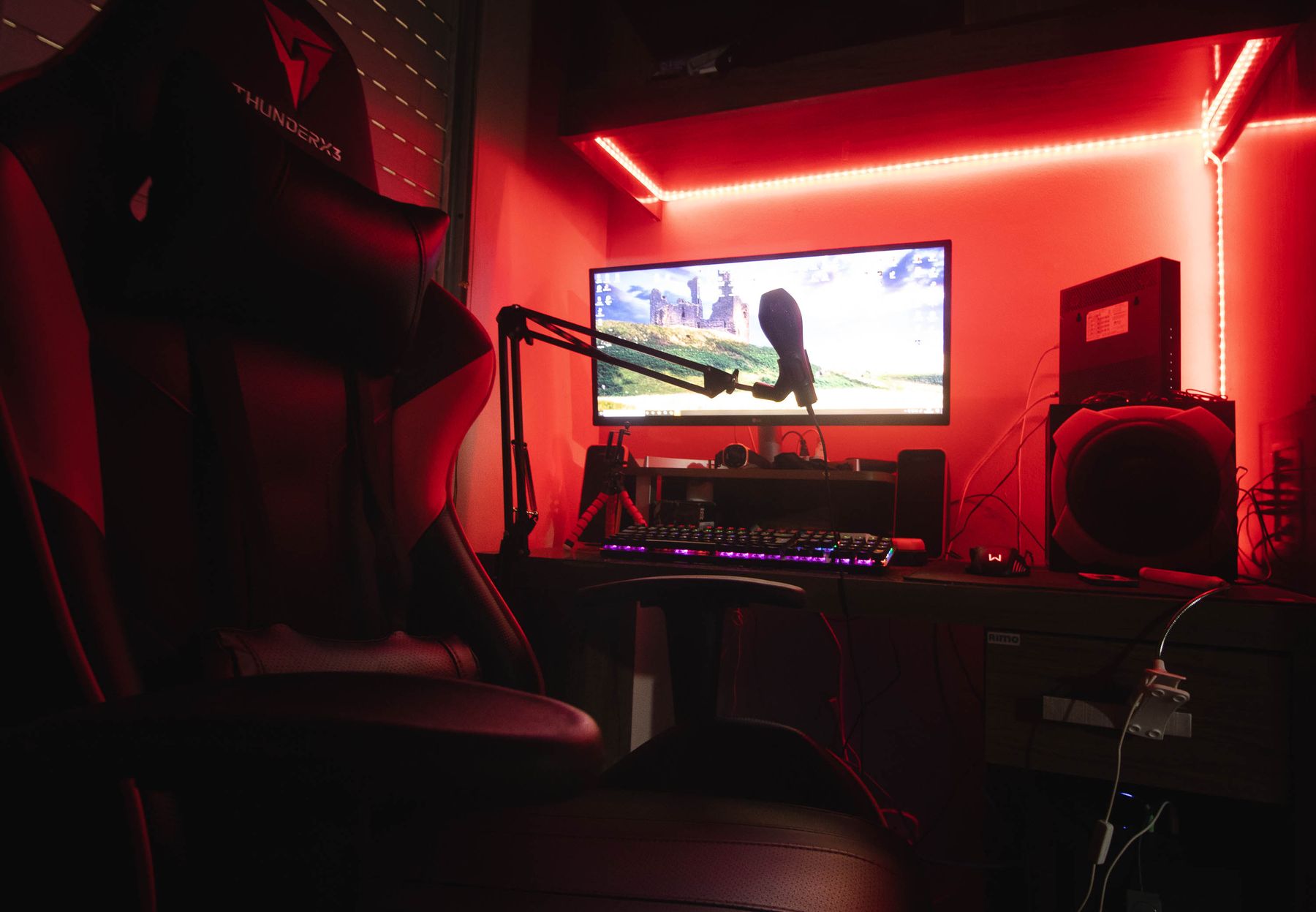
Give every part of the setup a place.
A clean battlestation becomes easier to build when the desk is treated as a series of functional zones instead of one open surface. Start with what must stay closest, then move secondary gear outward.
Reserve the central area for the keyboard, mouse, controller or other controls used continuously during play.
Keep headsets, stream controls and commonly reached accessories near the main position without crowding movement space.
Move power strips, cable bundles and excess cable length beneath or behind the visible desk surface where practical.
Organize from the center outward.
Instead of adding accessories wherever space remains, build around movement, visibility and cable flow. A clear order makes the entire station easier to refine.
Control
Protect the area where hands, keyboard, mouse and controllers need unrestricted movement.
Access
Place frequently used accessories close enough to reach without disrupting the main gaming position.
Route
Give cables a deliberate path so power and peripheral connections do not take over visible desk space.
Atmosphere
Use lighting as a finishing layer that supports the battlestation rather than competing with it.
Less clutter. More control.
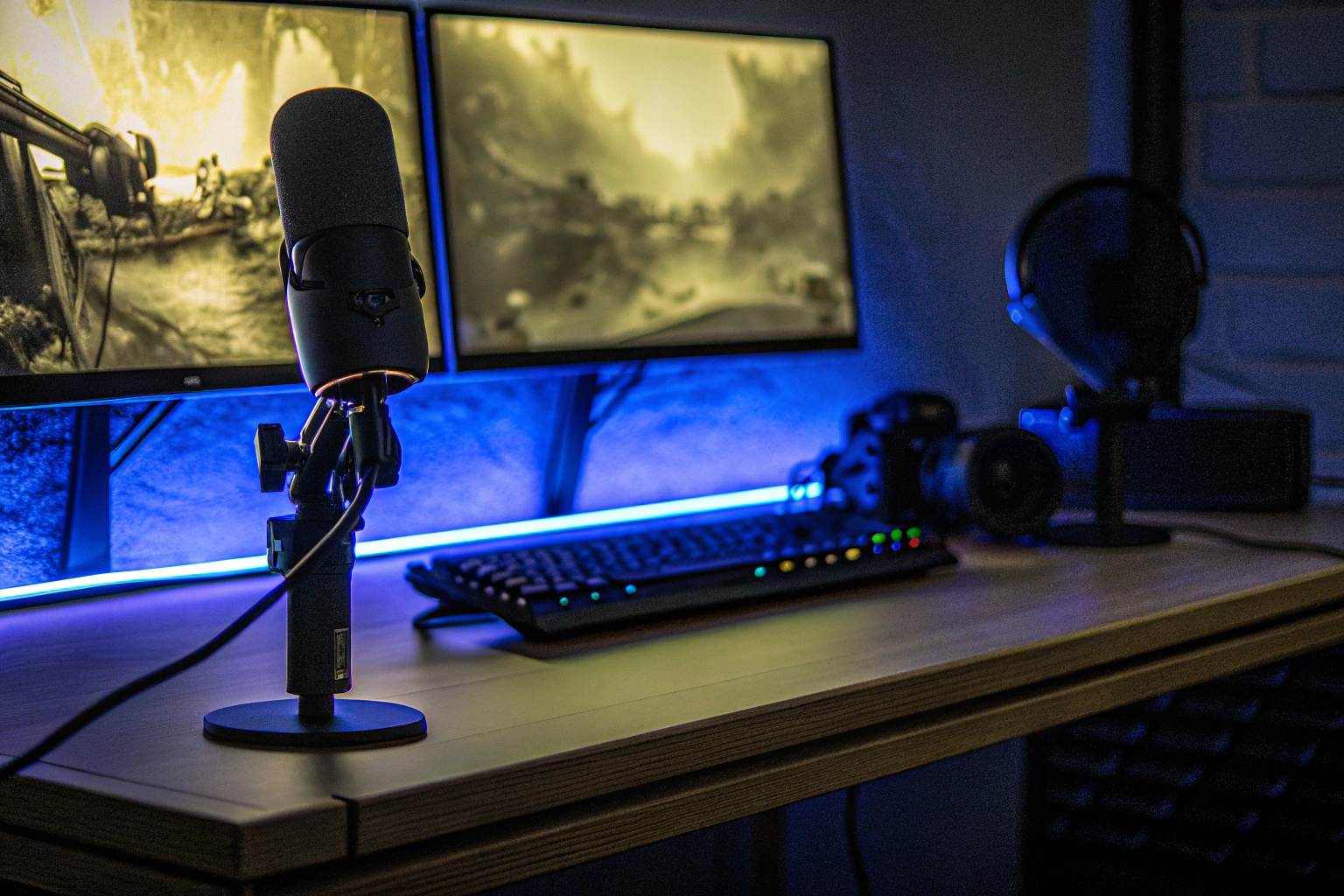
The visual character of a gaming setup often comes from how the accessories are integrated: balanced lighting, clearly defined device positions and a desktop that still leaves room to play.
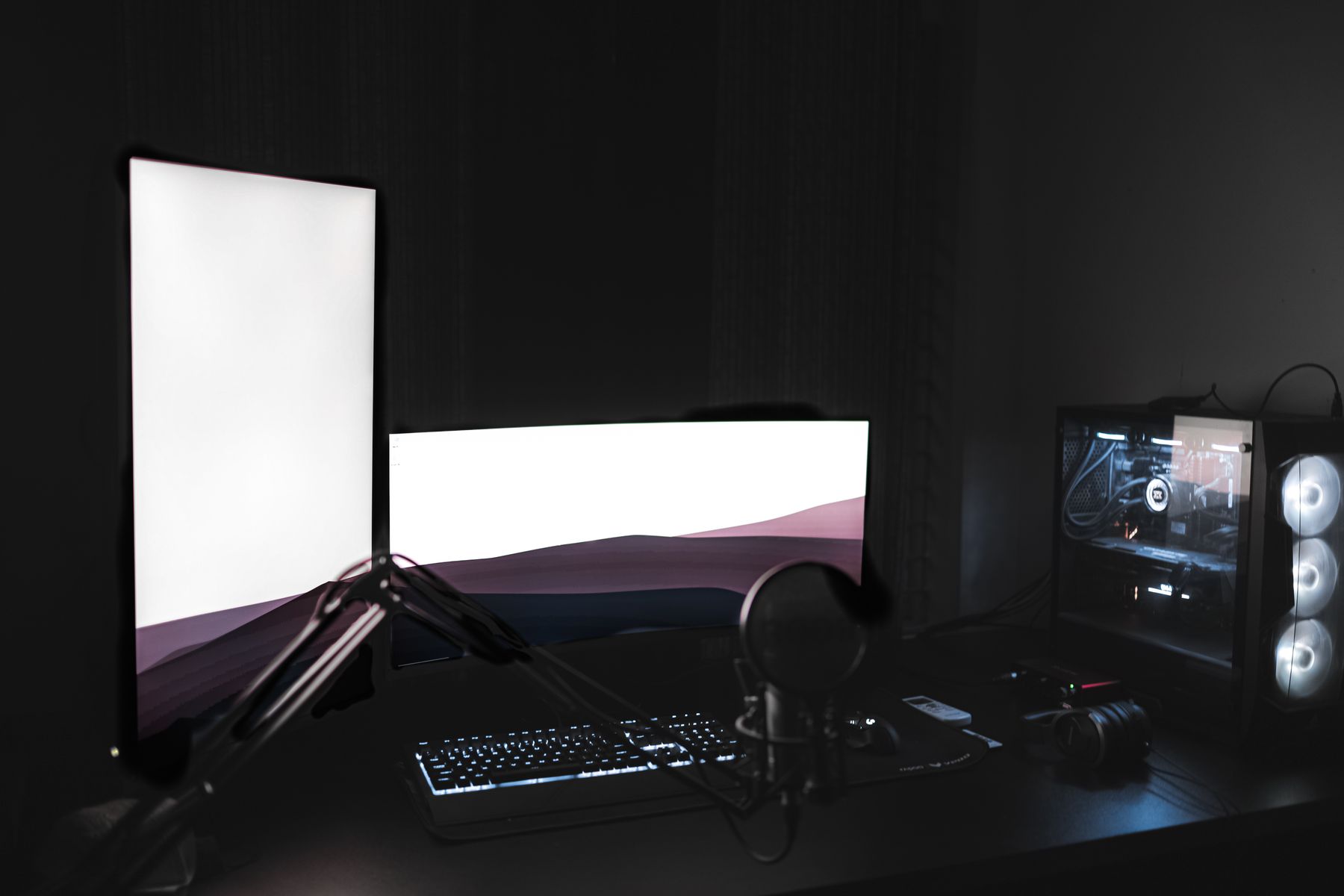
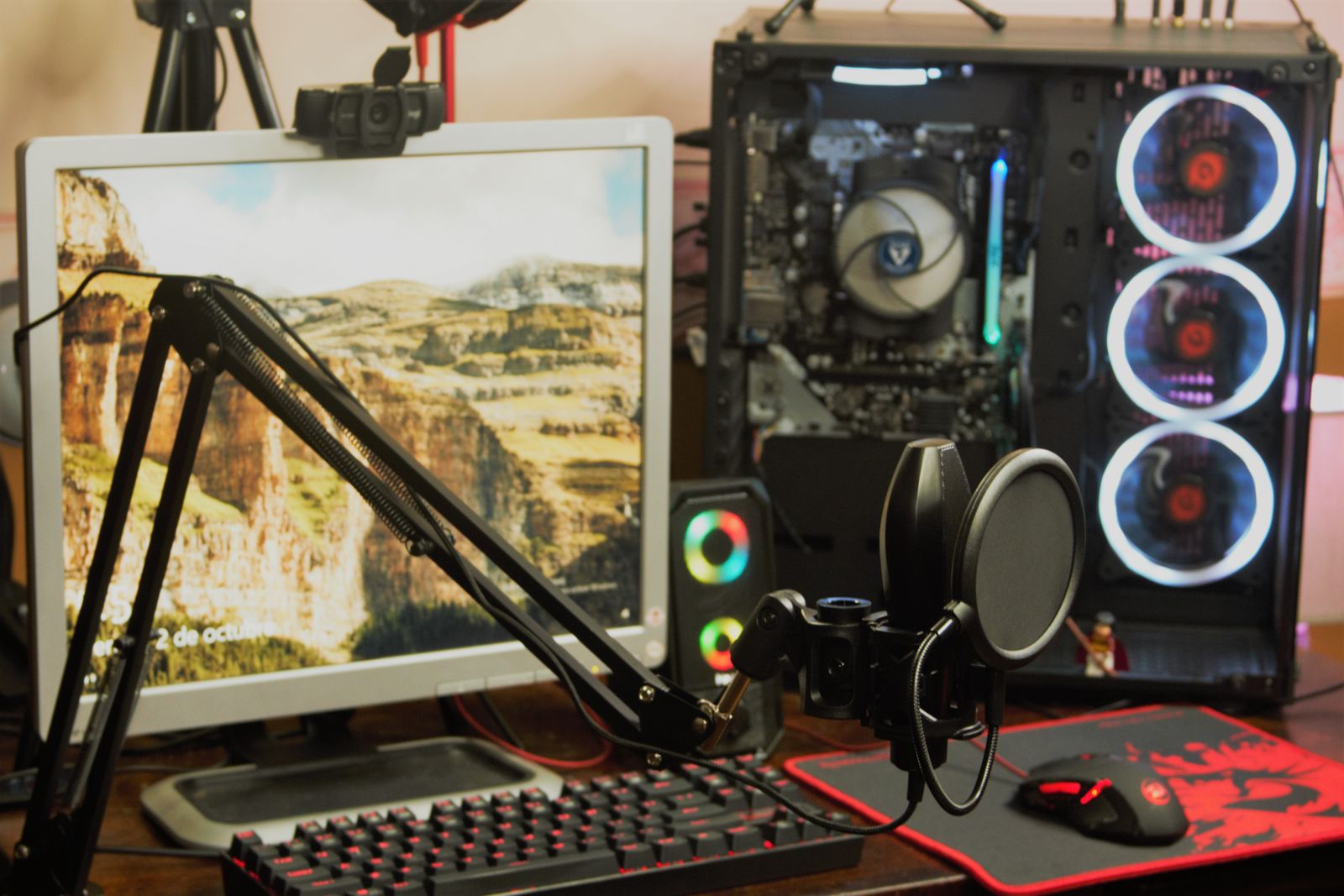
Accessorize around the way you play.
The most useful accessory is the one that solves a real setup problem. Start with movement, reach and cable flow before adding another object to the desk.
Protect movement space.
Keep the active control area open enough for natural mouse movement, keyboard positioning and controller use without accessories creating unnecessary obstacles.
Space before decorationRoute before you hide.
Give cables a logical path first. A cleaner route makes it easier to keep the desktop organized while preserving access when hardware needs to be moved.
Cleaner connection pathsUse light as structure.
Accent lighting can define the monitor wall, desk edge or background without turning the setup into a distraction from the hardware and gameplay.
Controlled visual atmosphereFix the friction points first.
Before adding more accessories, identify what currently gets in the way. The best setup changes usually solve a specific issue with space, access, routing or visibility.
Is the surface crowded?
Review what actually needs to remain on the desktop and give the primary gaming controls enough uninterrupted space.
Are cables crossing active zones?
Move loose cable paths away from mouse movement, chair space and commonly reached controls whenever the layout allows it.
Is gear easy to reach?
Assign predictable positions to headsets, controllers and frequently used accessories so the desk stays easier to navigate.
Is the lighting helping?
Use accent light to support visibility and atmosphere without creating glare or competing with the gaming display.
Build the space around your gear.
Explore gaming mouse pads, cable management, desk lighting and setup accessories for a battlestation that feels cleaner, more intentional and easier to control.