
Streaming Gear
Build the setup.
Run the stream.
Shape a cleaner streaming workflow around the gear that matters most: clear voice capture, intentional framing, controlled lighting, reliable video routing and fast access to the controls you use while playing.
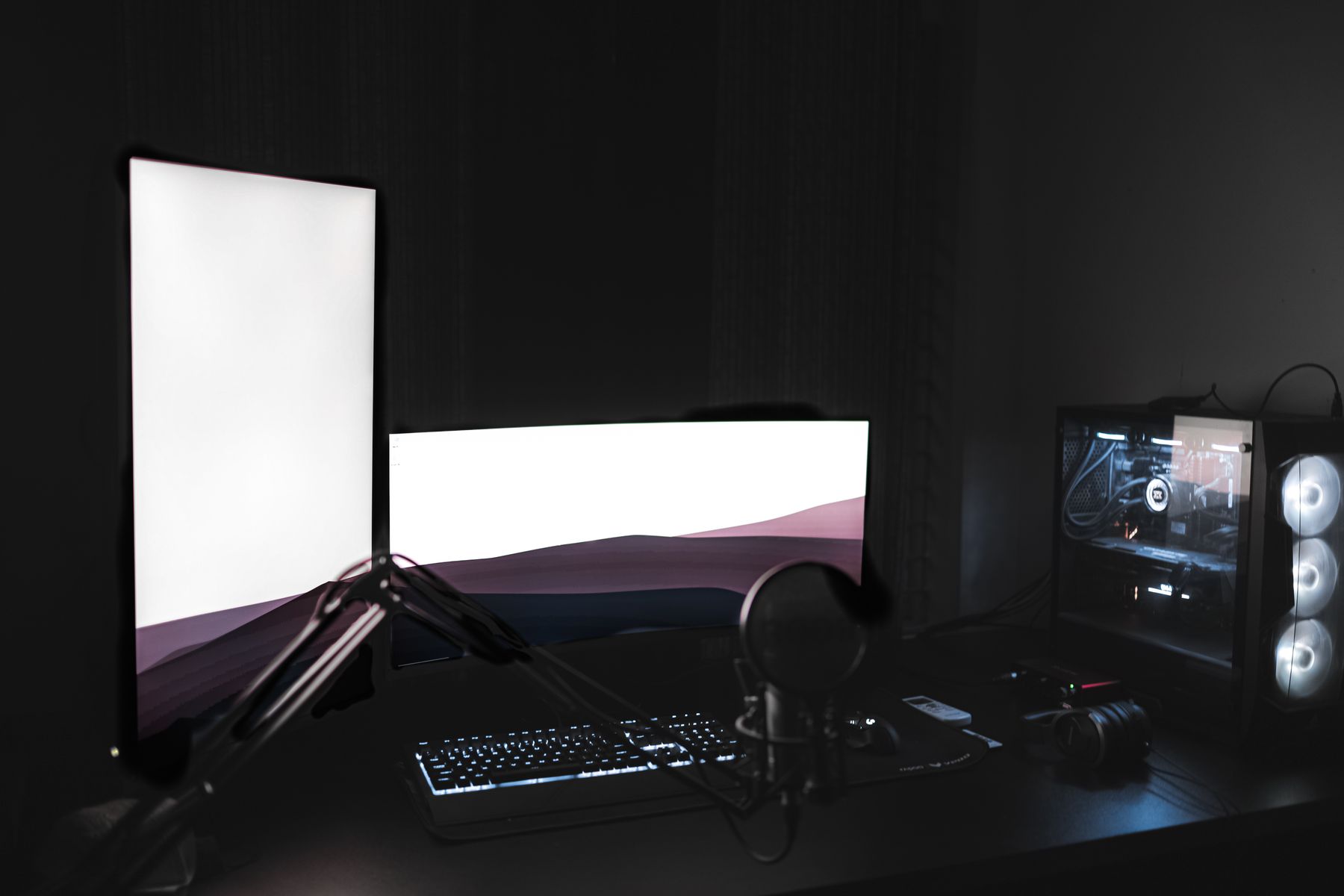
Five parts. One connected desk.
Streaming gear works best as a system. Build around how audio, camera, lighting, gameplay capture and live controls need to interact during a real gaming session.
Gaming Microphones
Give voice communication and stream commentary a dedicated place in the setup, with positioning that stays practical around keyboard, mouse and monitor space.
Gaming Webcams
Add a dedicated camera angle without letting the camera dominate the battlestation. Keep framing integrated with the monitor and lighting layout.
Streaming Lights
Use controlled light to create separation around the camera view while keeping glare and unnecessary visual clutter away from the gaming display.
Capture Cards
Build gameplay capture into the broader streaming workflow when your setup needs a dedicated route between gaming hardware and the stream.
Stream Controllers
Keep frequently used stream actions within reach so adjustments fit naturally into play instead of turning every change into a desktop interruption.
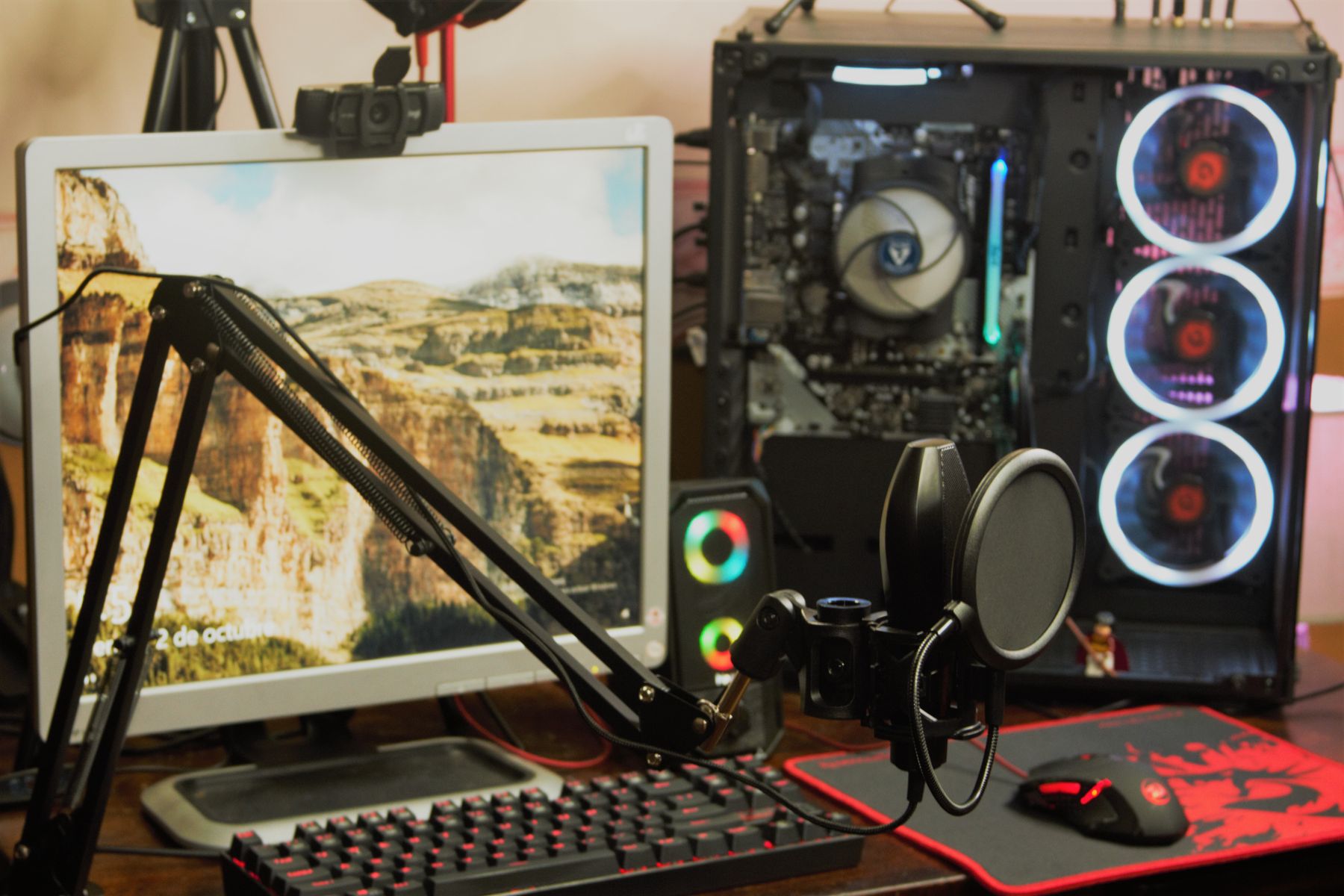
Keep production inside the play space.
A refined streaming station should feel like one environment rather than a gaming desk surrounded by unrelated equipment. Give every device a clear role and keep the most-used controls close to the natural reach zone.
Preserve comfortable keyboard, mouse or controller space before adding microphone arms, lights and extra hardware.
Position camera and lighting so they support the stream without blocking the gaming display or breaking immersion.
Place audio and stream controls where adjustments can happen quickly while the main gaming position remains consistent.
Think in flow, not isolated hardware.
A practical stream setup connects several jobs at once. Organizing the station around a simple signal path makes it easier to see what each piece of gear contributes.
Play
Start with the gaming system, display and peripherals that define the main play environment.
Capture
Bring gameplay, voice and camera sources into a workflow that keeps each source easy to manage.
Shape
Adjust audio, lighting and stream actions without turning the desk into a maze of scattered controls.
Broadcast
Keep the final setup visually organized so gaming performance and streaming workflow can share the same station.
More signal. Less desk noise.
The strongest streaming spaces feel deliberate from every angle: equipment is visible where useful, controls stay accessible and the gaming station remains the visual center.
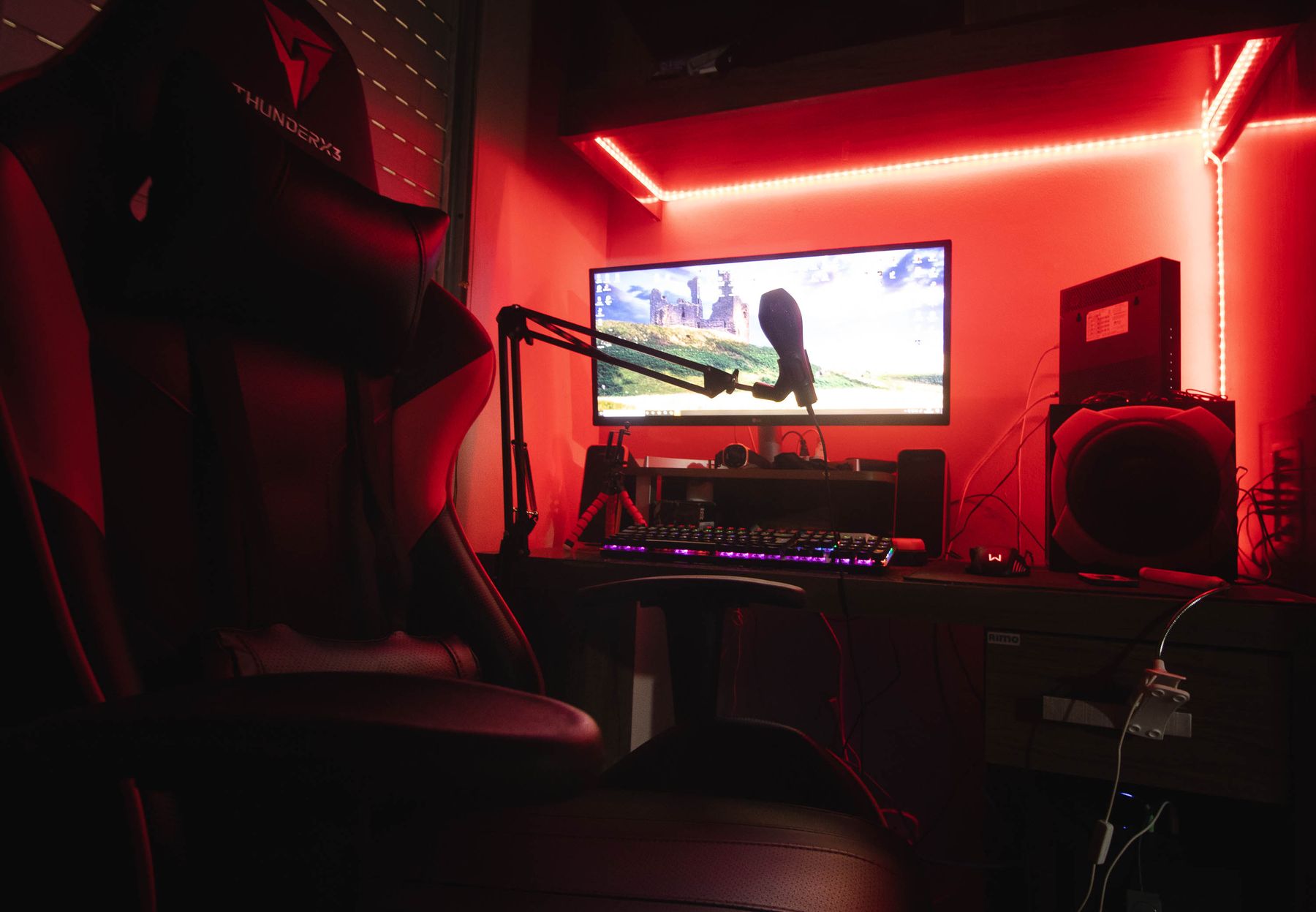
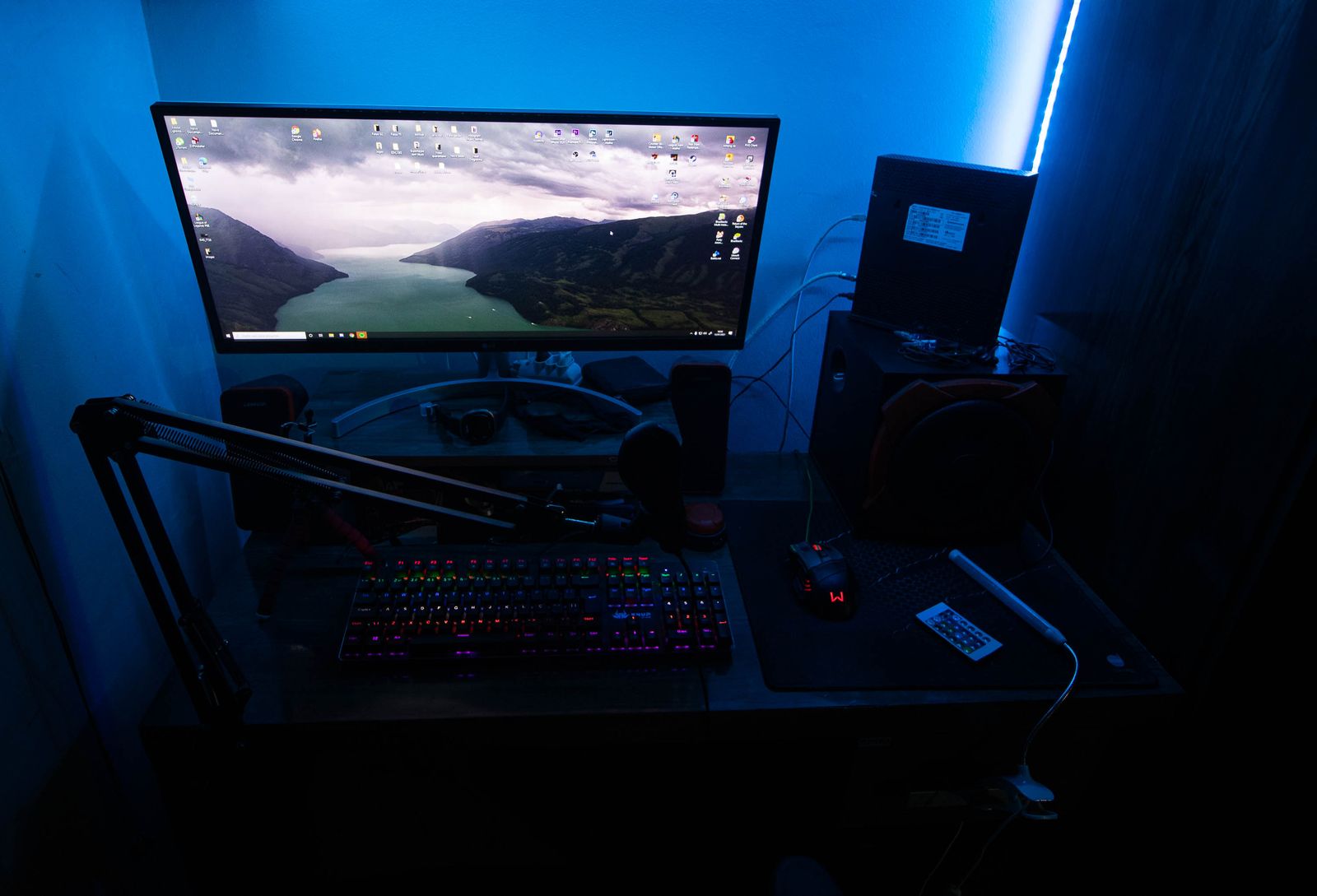
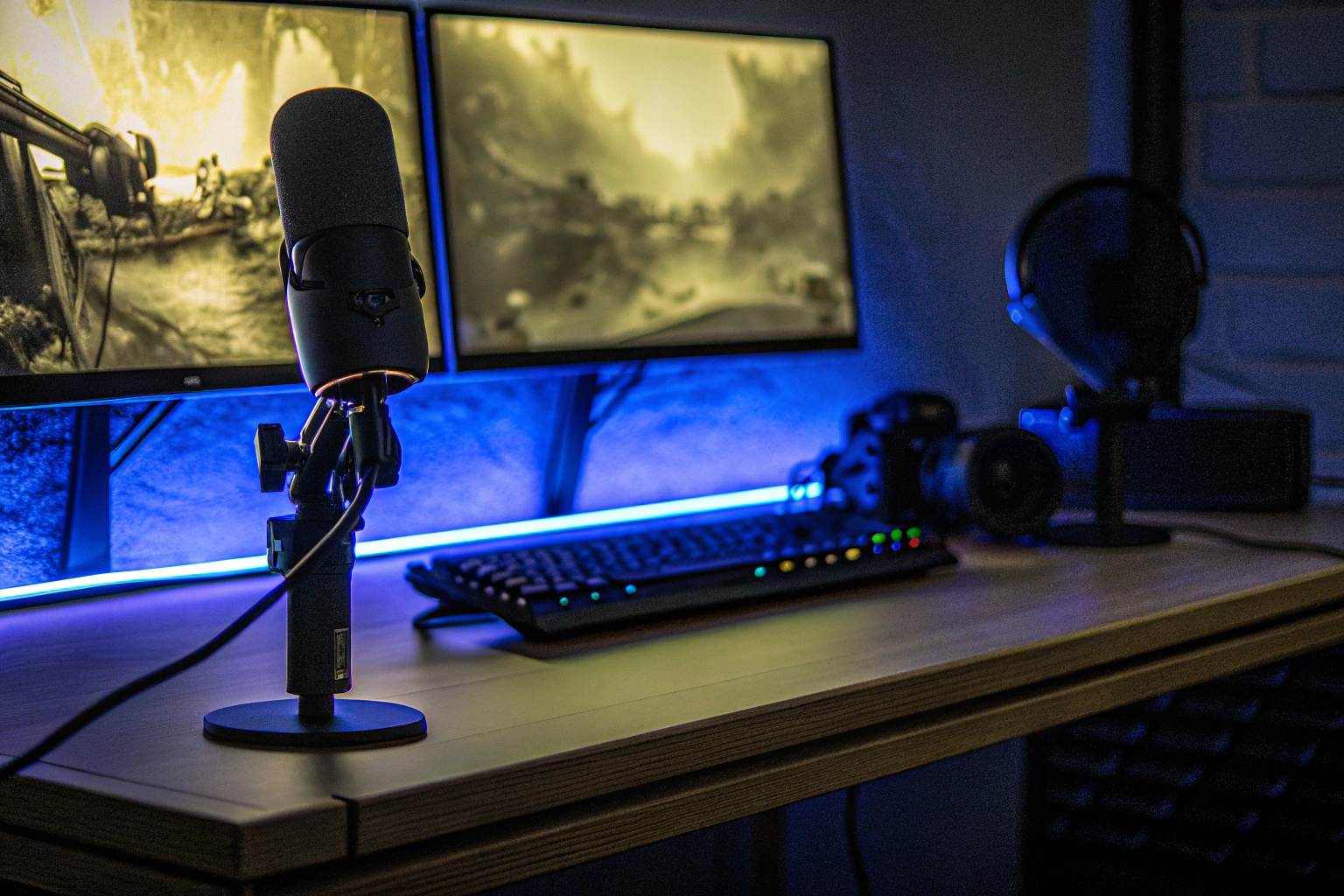
Build around the session.
Streaming equipment should support the way you actually play and communicate. Start with the workflow, then choose where each piece belongs.
Keep voice close, not intrusive.
Place the microphone where it can support communication while leaving room for natural keyboard, mouse and controller movement.
Audio without desk conflictLight the camera, not the entire room.
Treat lighting as part of the camera environment. The goal is a controlled visual zone that does not compete with the gaming display.
Intentional visual controlReduce reach before adding more gear.
Keep frequently used controls in a predictable position and route cables so the streaming layer does not take over the battlestation.
Cleaner live workflowStart with the role of each device.
A streamlined setup does not need every category at once. Identify the jobs your stream needs, then build the desk around those jobs.
What needs to be heard?
Decide whether the setup needs dedicated voice capture, audio control or a clearer monitoring arrangement around the game.
What needs to be seen?
Plan the camera view and lighting position together so both fit the monitor layout instead of competing with it.
What changes mid-stream?
Identify the controls you reach for regularly so they can stay close instead of being buried behind other equipment.
What needs a clean route?
Think through video, audio and power paths early so added streaming hardware does not create unnecessary cable congestion.
Turn your gaming station into a cleaner broadcast space.
Explore gaming microphones, webcams, streaming lights, capture gear, stream controls and the wider equipment ecosystem for a setup that keeps play, communication and content creation connected.